3D Skin Texture Lab
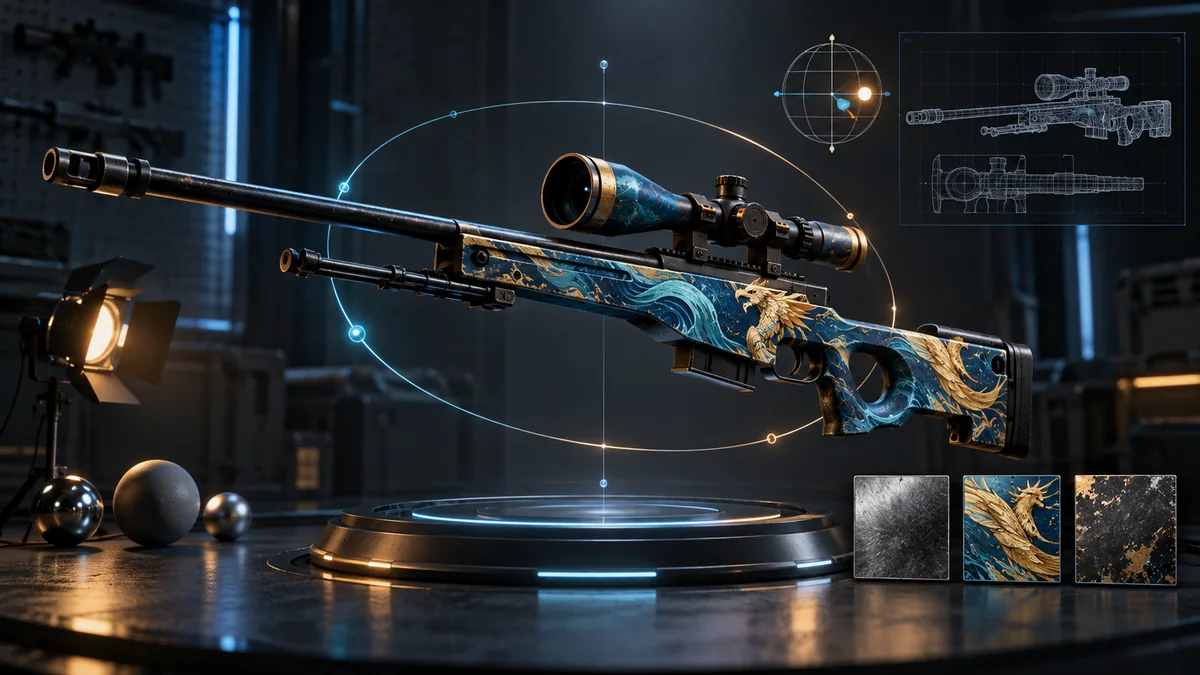
Rotate 3D models of 4 CS2 weapons (AWP, AK-47, M4A4, Desert Eagle) and apply one of 66 bundled images or your own picture as a texture.
A visual playground: the real look of a skin is in the game’s inspect view.
Try one image before randomizing
Choose a model, drag to rotate it and scroll to zoom. Refit camera returns the model to view. Random image applies a bundled image at the default mapping; Random tiled image repeats one with a randomized scale. Neither button selects a real item from your inventory.
Load your image reads a local image through the browser’s file control. After loading, the mapping sliders appear. Try a picture with an obvious line or logo: change one offset, then reset mapping to see which control caused the change. Switching model or choosing a random image clears the custom mapping.
What the lab leaves out
The four models have different texture coordinates, so the same picture can stretch or land on different parts of each weapon. The scene uses its own materials and lighting. It has no float slider, real pattern-seed lookup, applied sticker editor, inspect-link input or direct Workshop publishing/export control.
If the model or texture does not load, a blank or grey preview is not evidence about an item. Refit changes framing; it cannot repair a missing asset. Compare a real skin through its CS2 inspection. Valve’s finish guide explains why game finishes involve more than one colour image.