
Basket and balance checks
Tradeit
Research exact inventory and the distinction between trade credit, store credit and sale Revenue.
Open TradeitSkin-for-skin exchanges
Use an exchange when the particular skin you want is available and the cost of obtaining it in one transaction is acceptable. Measure that cost against a credible sale of your outgoing skins and a complete alternative purchase. Equal website valuations do not make a swap economically even.

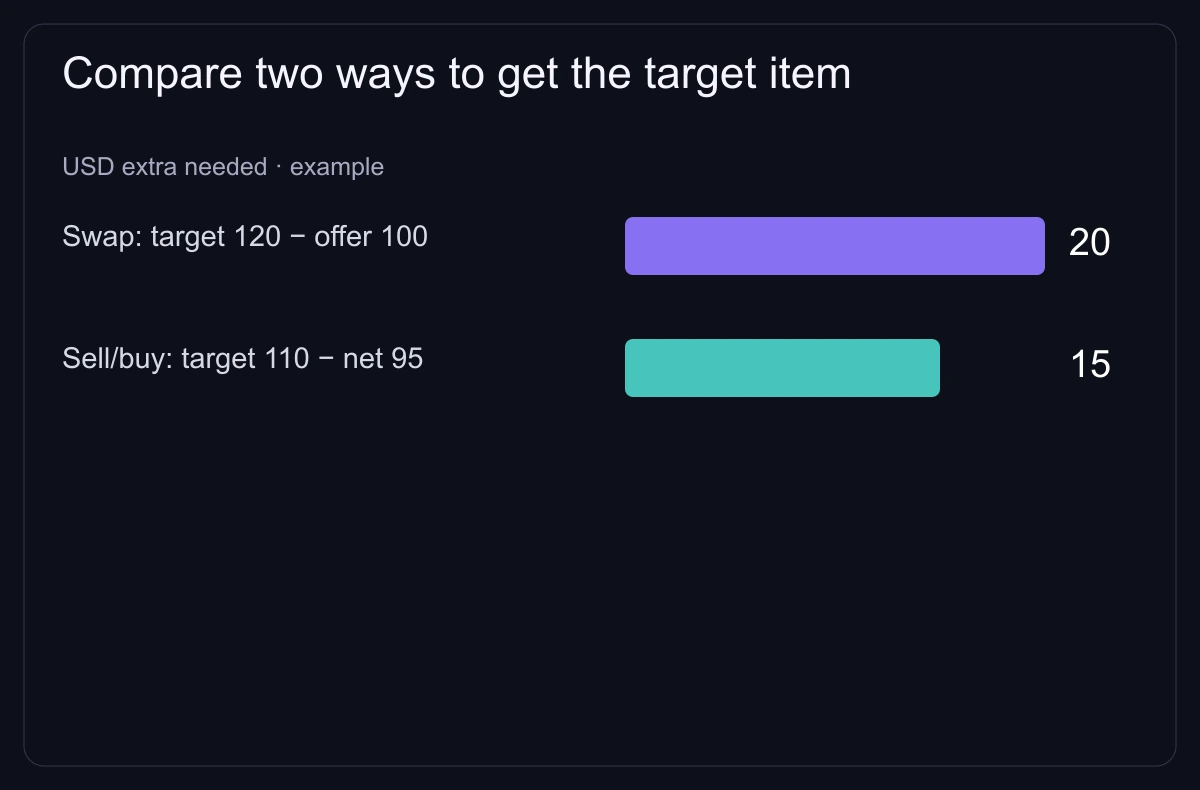
Record every outgoing item, every incoming item, cash top-up and remaining credit. An apparently favorable percentage can hide an expensive target or an outgoing craft priced as an ordinary skin. Choose the exact target first: finish, wear, status, float and relevant seed, phase or stickers.
For the alternative, use plausible net sale proceeds for what you surrender and the delivered acquisition cost of the target. A Steam Wallet quote cannot automatically fund a cash purchase. If the proposed sale has no credible buyer, mark the alternative as uncertain instead of declaring it a completed saving.
| Part | Useful valuation | Check |
|---|---|---|
| Outgoing skins | Credible net sale value at the intended venue | All copies and special attributes |
| Incoming skin | Complete cost of an equivalent inspected listing | Payment, availability and exact identity |
| Cash top-up | Actual amount paid with payment/FX charges | Confirmation total |
| Residual credit | Value of an intended permitted use | Balance type, expiry and a competitive next purchase |
Example: two outgoing skins have realistic net sale values of $110 and $70. An equivalent target costs $170 delivered elsewhere. The swap requires both skins plus $5 cash, so the surrendered value is $185 and the convenience premium is $185 − $170 = $15.
Suppose the swap also leaves $10 of site credit. The convenience premium falls from $15 to $5 only if you can use the full $10 for a planned, permitted purchase at a competitive price. Without that plan, keep the credit separate: it is not $10 returned to your bank.
The $15 may be an acceptable expense for a specific inventory change, or too much for the time saved. Decide that limit before approving the offer. Selling and buying separately can involve time, a failed sale or a price change; compare those limitations openly.
Tradeit's 2 August 2026 payout guide separates Trade Balance, Store Balance and Revenue. Only Revenue has cash payout options. Do not top up one balance assuming it transfers to another or can be withdrawn. If the objective is money, inspect the selling route rather than interpreting a swap balance as proceeds.
Swap.gg's pricing explanation identifies sales volume, popularity and recent prices among its factors, without publishing the full algorithm. Incoming and outgoing values can differ. Compare the refreshed whole offer instead of adding a guessed flat commission or judging it against one unsold minimum listing.
Steam protects received CS2 trade items for seven days. Its rule prevents further transfer or modification during that period; it is separate from the venue's order and payout status. A bot, direct P2P transfer or 'instant' button does not remove these restrictions.
Treat trading as the purchase of a particular basket, not a way to earn from every price difference. For an account-security problem, use the trading-safety guide. If you meant a Valve trade-up contract, that is a different operation: it consumes eligible inputs for a random result from the input collections, rather than delivering the exact item selected in a swap.
Basket and balance checks
Research exact inventory and the distinction between trade credit, store credit and sale Revenue.
Open Tradeit
Alternative valuation
Compare the full refreshed offer with independently priced outgoing and incoming skins.
Open Swap.gg
Separate marketplace route
Check whether sale and purchase can complete at the intended prices, including fees and timing.
Open DMarket2 August 2026: only Revenue can be withdrawn; Trade and Store Balance differ; methods and waiting stages require account confirmation.
Published/updated: . Read: .
Operator describes sales volume, popularity and recent sales; complete pricing algorithm is not published.
Read: .
Steam's seven-day protected-trade rule is distinct from a venue's sale, release and payout conditions.
Read: .
Some marketplace links are affiliate links.