Free CS2 trade up calculator
Trade Up Contract Calculator: Float, Odds & EV
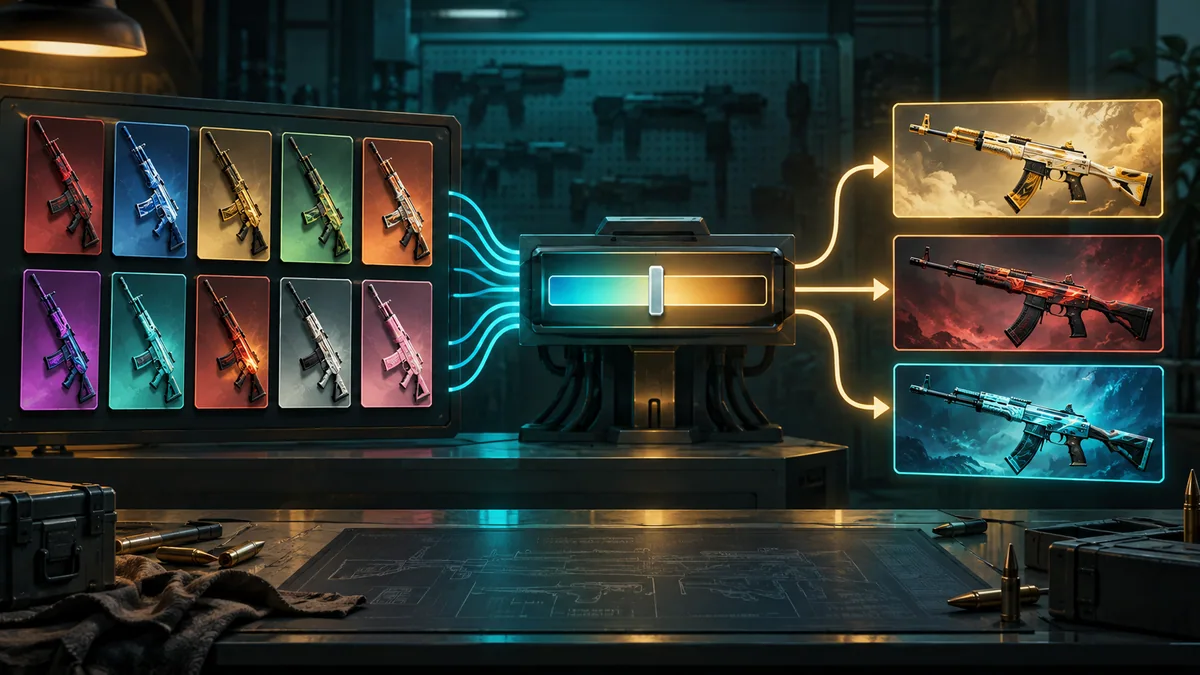
Add ten skins of the same rarity, or five Covert skins for a knife or gloves, and type the float of each input. The calculator shows every possible result with its chance, output float and wear, and the expected value against your input cost.
Trade Up Contract
How to use the trade up calculator
- Pick a skin in the skin list. All inputs share one rarity, and normal and StatTrak™ skins can’t be mixed.
- Enter the float of each skin you plan to buy. Auto Fill copies the last input and its float into the free slots.
- Fill all ten slots, or five when the inputs are Covert. The odds update as you add skins; EV, ROI and profit appear once the contract is full.
- Compare the chance, output float and price of every result, then share the contract link if you want a second opinion.
How trade up odds are calculated
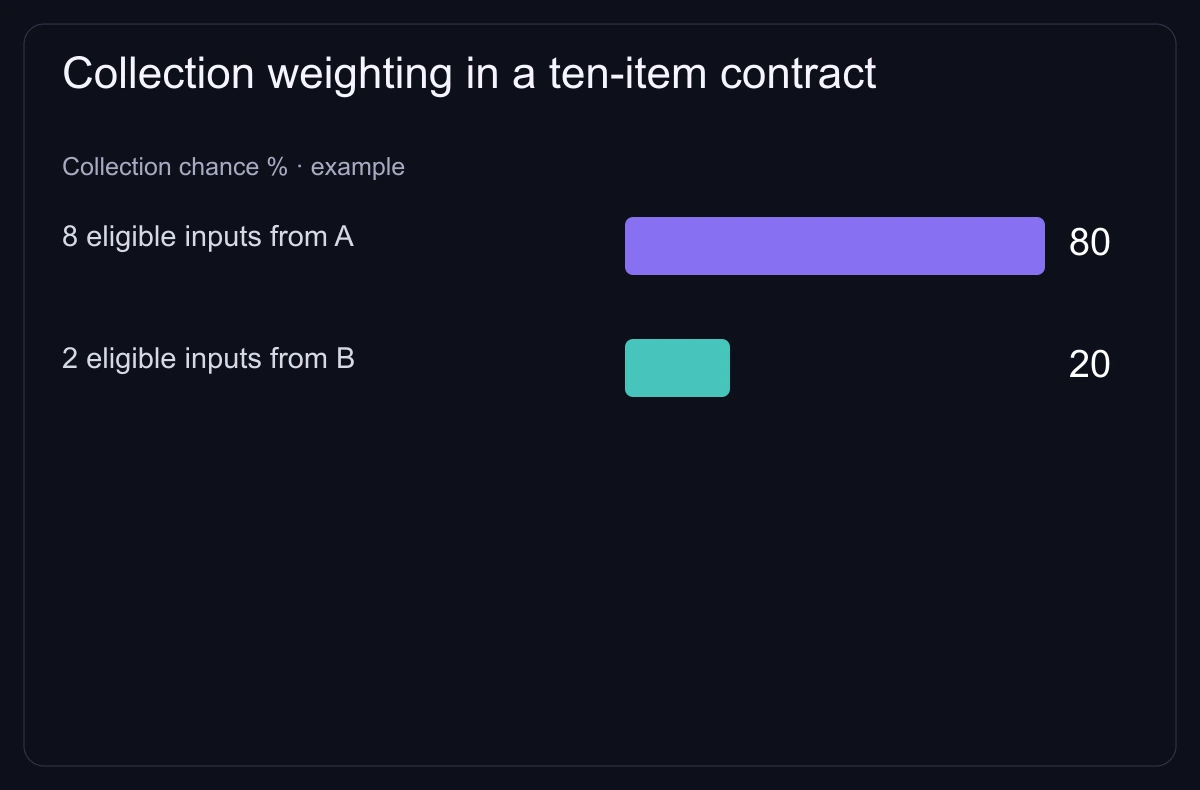
Valve does not publish trade up odds. Our calculator gives each collection a share of the result equal to its share of the inputs and splits that share evenly between the collection’s skins one rarity higher.
Example: seven inputs from collection A and three from collection B. If A has two possible results and B has three, each A skin has a 35% chance and each B skin a 10% chance.
| Collection | Inputs | Possible results | Chance per result |
|---|---|---|---|
| A | 7 of 10 | 2 | 70% ÷ 2 = 35% |
| B | 3 of 10 | 3 | 30% ÷ 3 = 10% |
How the output float is calculated
The calculator places each input inside its float range: (float − min) ÷ (max − min). It averages those positions and maps the average into the range of each possible result.
Example: inputs with a 0.10–0.50 range at float 0.20 sit at 0.25 of their range. A result with a 0.00–0.80 range comes out at 0.20, which is Field-Tested.
Small float changes can push a result across a wear boundary, so lower input floats keep results in better wear.
Quick answers
- Is the trade up calculator free?
- Yes. It runs in your browser and needs no account.
- Can you trade up to a knife in CS2?
- Yes. Since 22 October 2025, five Covert skins can be traded for a knife or gloves from the collection of one of the inputs. Five StatTrak™ Covert skins give a StatTrak™ knife.
- Can I mix StatTrak™ and normal skins?
- No. Inputs must be all StatTrak™ or all non-StatTrak™, and of the same rarity.
- Do Souvenir skins work in a trade up?
- Yes. Since 21 May 2026 Souvenir skins can go in alongside normal skins, and the result is never Souvenir.
- What is the expected value of a trade up?
- The sum of each result’s price times its chance, compared with the cost of the inputs. The calculator shows it before and after the seller fee of the market you sell on, and only once every input and result has a price. Prices update automatically and can change — check the final price on the marketplace.
Worked example: float and odds at our prices
10 × AK-47 | Wintergreen (Field-Tested) from The Boreal Collection return one of 2 next-rarity skins. Our calculator gives each a 50% chance and works out the result's float from the inputs' float: at input float 0.160 instead of 0.265, Glock-18 | Glockingbird comes out at 0.142 instead of 0.236 and moves from Field-Tested to Minimal Wear.
| Skin | Chance | Inputs at float 0.265 | Inputs at float 0.160 | ||
|---|---|---|---|---|---|
| Float | Price | Float | Price | ||
| Glock-18 | Glockingbird | 50% | 0.236 FT | $0.55 | 0.142 MW | $1.28 |
| M4A4 | Sheet Lightning | 50% | 0.265 FT | $0.58 | 0.160 FT | $0.58 |
At the lowest Field-Tested price, the inputs cost $4.50 (10 × $0.45). Expected value (EV) of the result: $0.56 at input float 0.265 and $0.93 at 0.160, before fees.
Prices as of 26 October 2026.