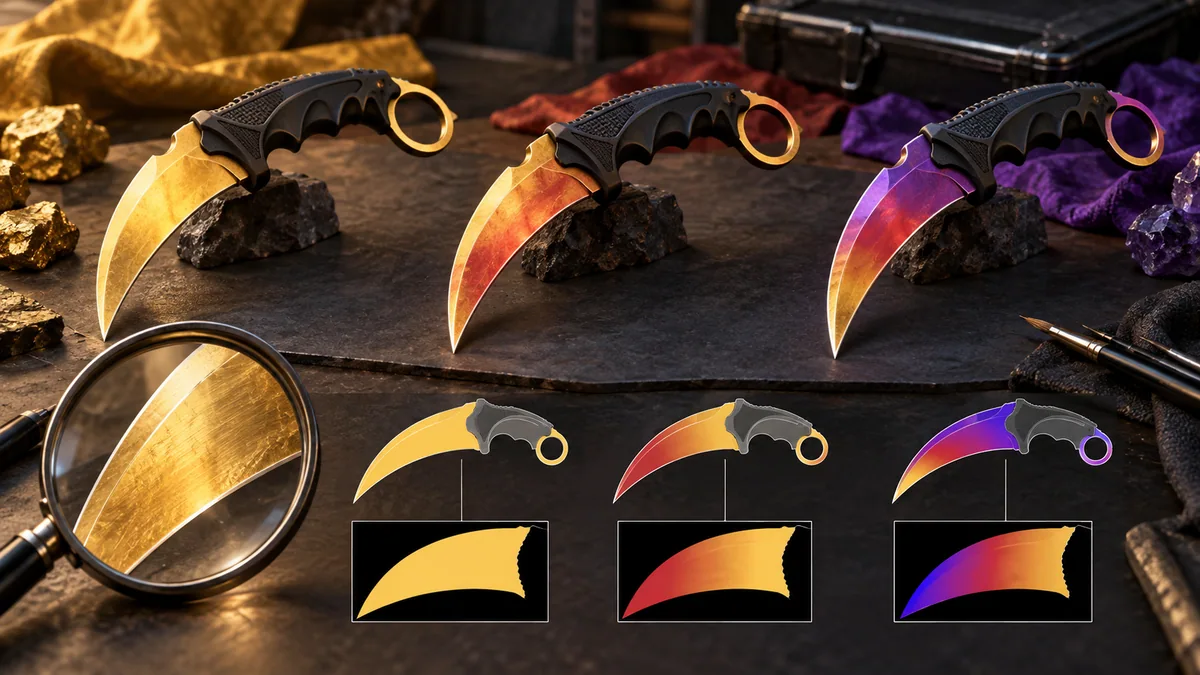
What the percentage actually measures
This calculator uses a local implementation based on chescos’s open-source Fade project. The code reconstructs pattern placement, compares the supported seeds for a weapon and maps its chosen placement measure onto 80–100%. That last scale is a community convention; CS2 does not provide an official Fade-percent value in the item’s name.
A result of 100% means the best end of this model’s scale. It does not mean that 100% of every surface is a particular color, that only one such item exists or that all websites must report the same percentage. Differences in methods and supported configurations should be resolved before comparing a seller’s claim with this number.
Inspect first, negotiate the premium second
Select the exact weapon and finish family, then enter the seed from the actual item. A number copied from a screenshot can belong to another weapon; the same seed is not interchangeable across weapons. The model supports a fixed seed range; a value outside it is clamped to the nearest limit, so take the seed from the item’s own inspect link.
Use the result as a repeatable lookup, then inspect the item in-game and compare similar listings and sales. Float, appearance, supply and fees still affect what a buyer will pay. The calculator has no prices, does not cover glove Fades, and a percentage alone is not enough to set an overpay.
Questions about this tool
Does changing float change this percentage?
Float is not an input to this model. It can still change appearance and price, so compare it separately.
Sources and method
The displayed calculation was checked against the local implementation of the chescos method linked below.