
Market
CS2 Skin Market Analysis: How to Read Prices, Sales and Fees
Analyze a CS2 skin in three checks: its price across up to 9 marketplaces, how many copies sell, and what you keep after fees. A 25% rise can net 15%.
Start with price comparisons, float, trade-up calculations or selling fees. Browse the categories for cases, trading safety, settings and maps.
Use a guide to understand the calculation, then try it with your own inputs.
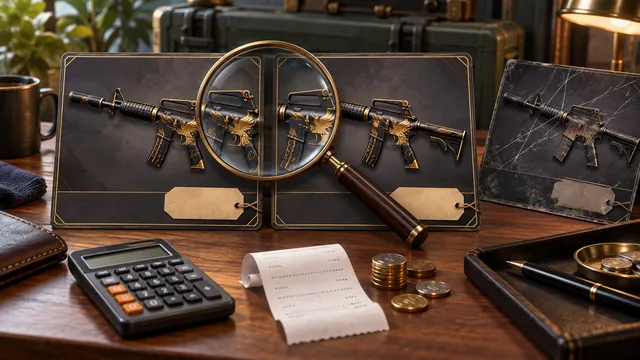 Compare the price of the same CS2 skin
Match the item, wear and market price basis before comparing offers.
Compare market prices →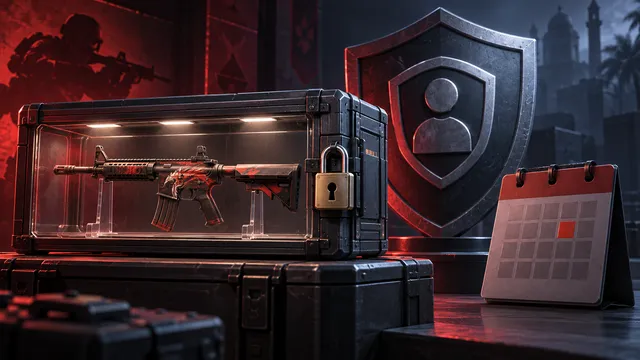 Check why your skins cannot be traded
Distinguish VAC, game bans, trade bans and temporary item protection.
Identify the exact item →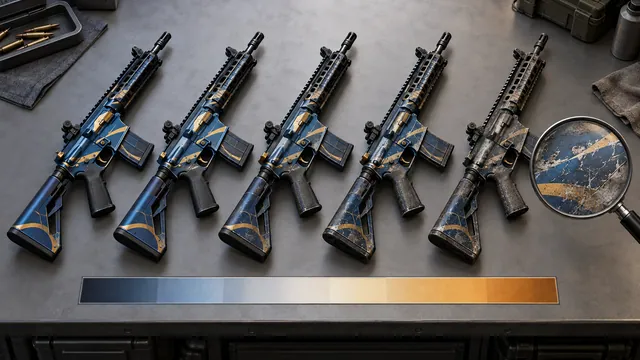 Check float and wear before buying inputs
Read wear ranges and use the exact float when planning a contract.
Look up skin float ranges →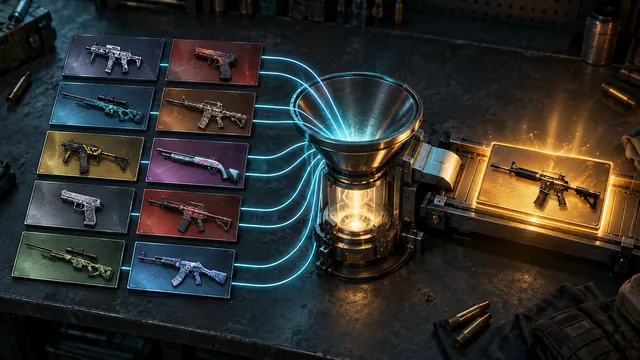 Calculate a trade-up before using your skins
Check eligible inputs, output probabilities, float and expected value.
Build a trade-up contract → Read market data without mistaking it for profitCompare price changes with what you actually receive after a sale.
Open the market cap index →Analyze a CS2 skin in three checks: its price across up to 9 marketplaces, how many copies sell, and what you keep after fees. A 25% rise can net 15%.
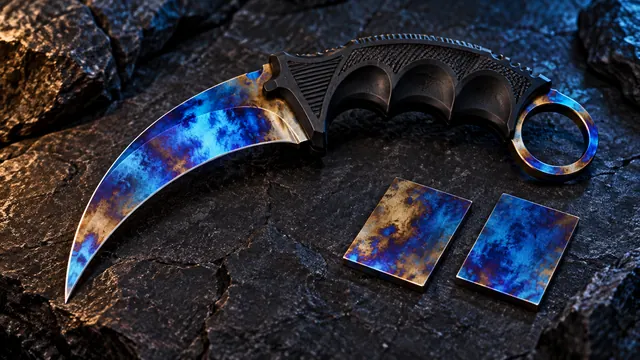
Check a CS2 Blue Gem seed in our 23-weapon lookup, compare sales of the same seed and see how an 8% fee eats into a $300 pattern premium.
Check a CS2 trade-up before you buy: odds for every result, expected value after a 10% fee and the worst-case loss, worked through on a $100 contract.
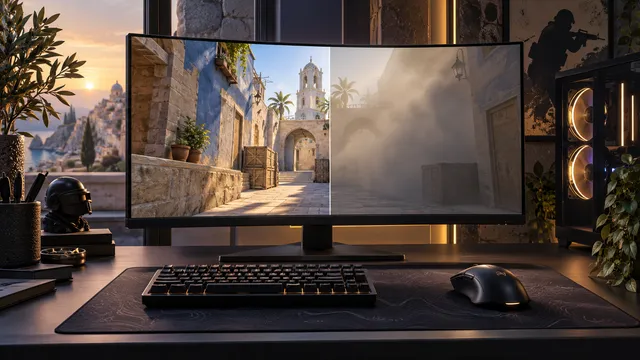
Find CS2 stutter with the telemetry HUD (144 FPS is 6.94 ms a frame), test resolution and detail one change at a time, and apply Valve's G-Sync advice.
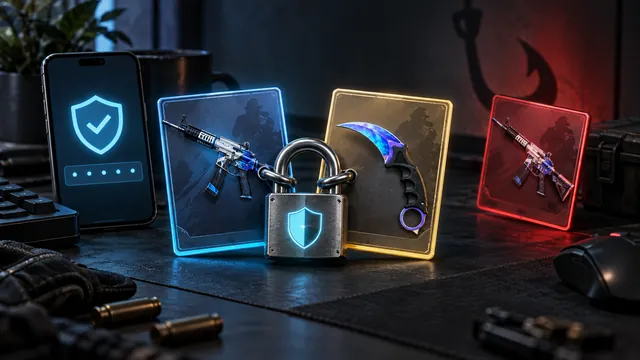
The CS2 trade scams Steam warns about, from item switches to fake bots and “item checks”, and how 7-day Trade Protection helps if your account was taken.
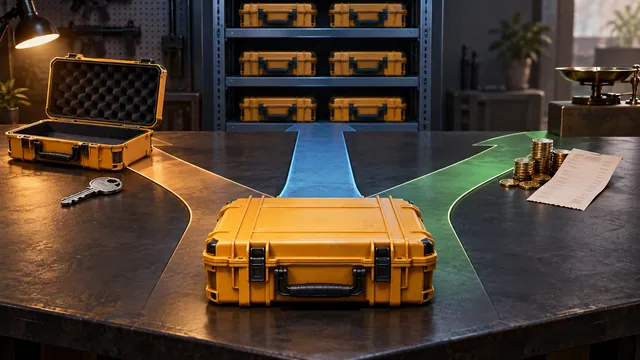
On 10 October 2026 all 42 CS2 cases in our case ROI tool returned less than case + key on average. How to choose a case to open, sell or hold anyway.
CS2 Premier rating explained: Prime and profile level 10 to play, rating colors every 5,000 points, seasonal recalibration and the new 2+2 map pick.
Set up a CS2 crosshair in the new pixel units, starting from Valve's 1-8-4 example, then calculate eDPI and test sensitivity with 20 small flicks.
CS2 float is a wear value from 0 to 1: Factory New is 0.00–0.07 and Battle-Scarred 0.44–1.00 in Valve’s guide. See how ranges and floats affect price.
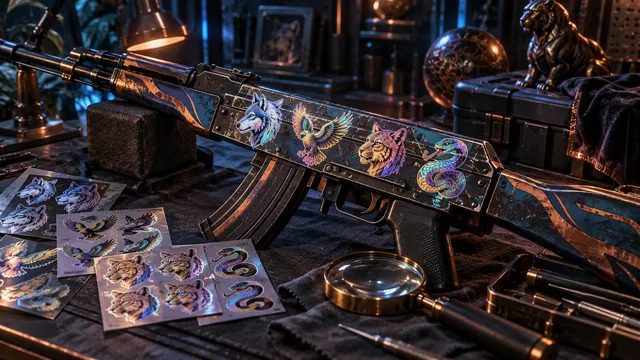
A CS2 sticker craft resells as the skin plus a premium, not the sticker cost. Learn how SP% works and why a $110 craft can sell for $42.
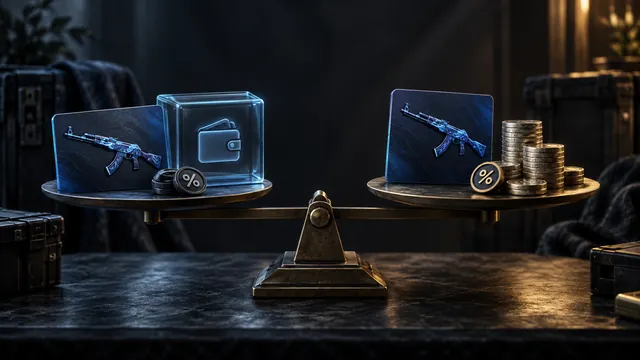
Steam adds 15% to your price (5% Steam + 10% CS2) and pays Wallet funds only. Skinport takes 8%, DMarket 2–10% and CSFloat 2%, paid out as cash.
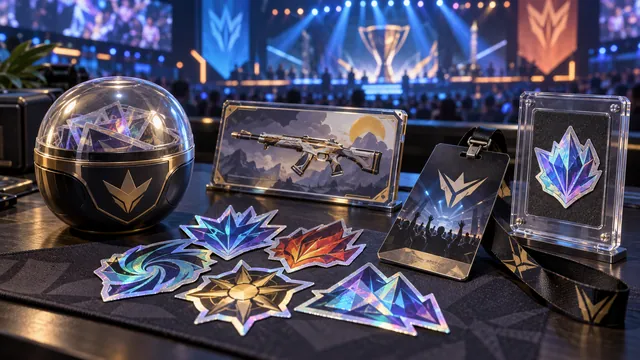
CS2 Major items explained: Cologne 2026 sold stickers for tokens (100 for $0.99) instead of capsules, plus Souvenir-O-Matic, Viewer Passes and Slabs.
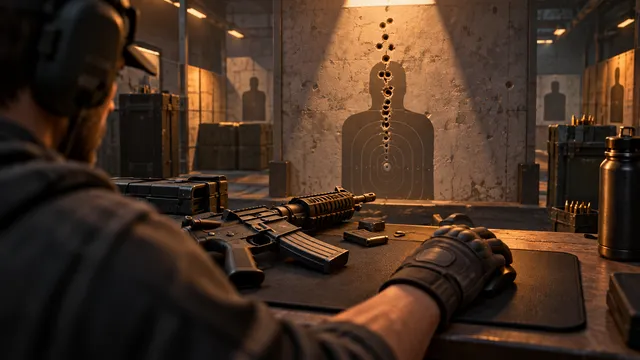
Train CS2 spray control for the AK-47 and M4: short wall groups, normal-spread tests, Recoil Master's ghosthair and a 10-attempt, 5-bullet scoring drill.

DMarket review: who runs it, CS2 sell fees of 2–10%, payouts in up to 7 working days, KYC, the Russia and Belarus ban and whether a promo code exists.

Tradeit.gg charges 5–20% to Instant Sell and 2% to withdraw (minimum $10), and only Revenue can be cashed out. How its balances, swaps and payouts work.
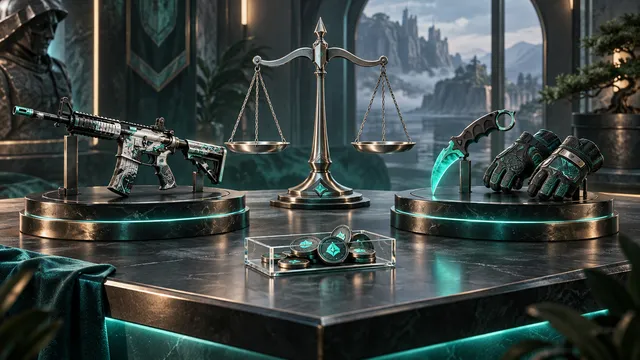
Swap.gg review: who runs it, the 8% + 0–20% Instant Sell fee, payouts 7 days after the trade, why trade balance can't be cashed out, and promo codes.
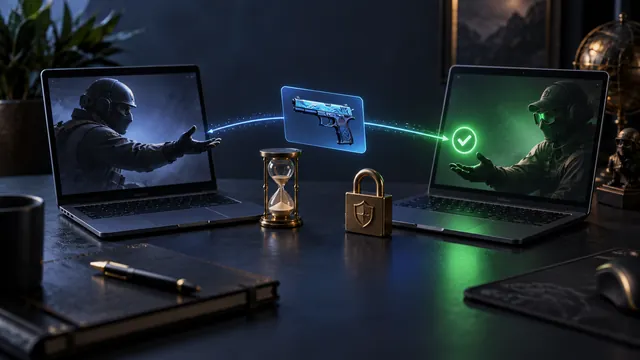
Waxpeer review: who runs it, the 6% selling fee, the 7-day hold on sale proceeds, KYC for withdrawals, how P2P delivery works and promo codes.
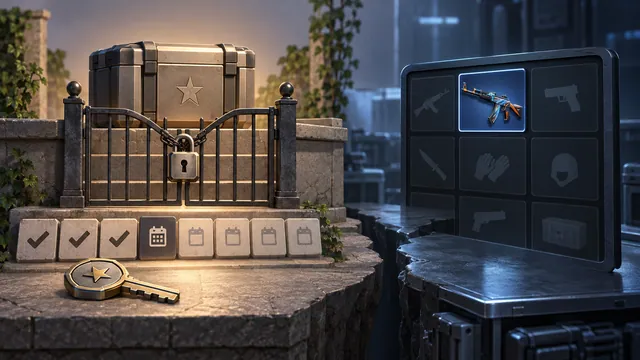
How CSGORoll daily free cases work: rank-based cases, 180 keys per rank-up, a 30-, 90- or 180-day reward profile, and how Coins and Chips differ.
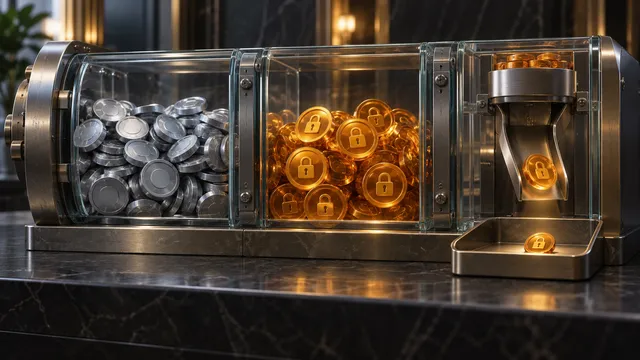
500 Casino's welcome package explained: a 300% rakeback boost that unlocks at $1 per $400 wagered, why it isn't cash, and how game RTP slows wagering.

PLG.bet review: what a bonus must state before you deposit, why 30× wagering on a $10 bonus can mean $1,500 of bets, and how esports bets settle.
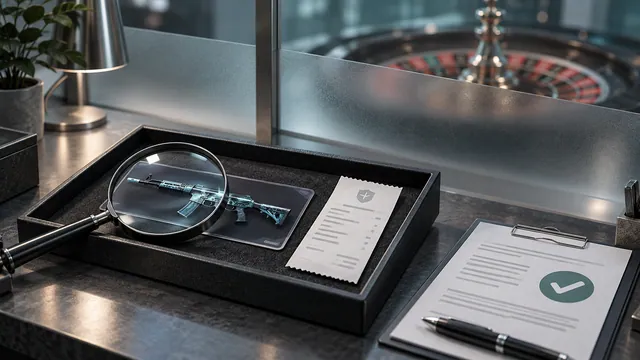
CSGOEmpire review: P2P skin trading without betting, 1 coin = $0.6142808, KYC by 4,500 coins, excluded countries and why roulette is no cash-out.

Gamdom review: who runs it, how its personalised rakeback works, the 15% new-account boost for 7 days, when KYC applies and crypto withdrawal fees.
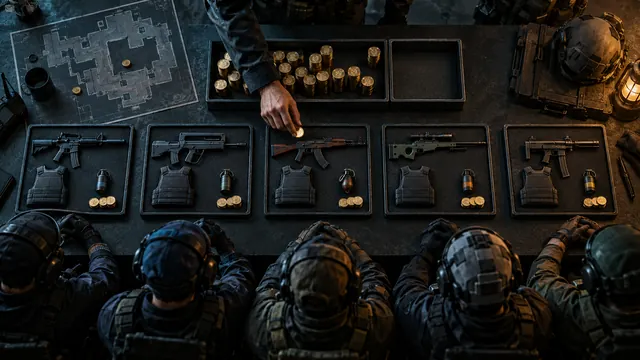
CS2 economy basics: when to full buy, half buy, eco or force, how to use the buy menu's guaranteed money, the $50 CT award and an $800 spending cap.
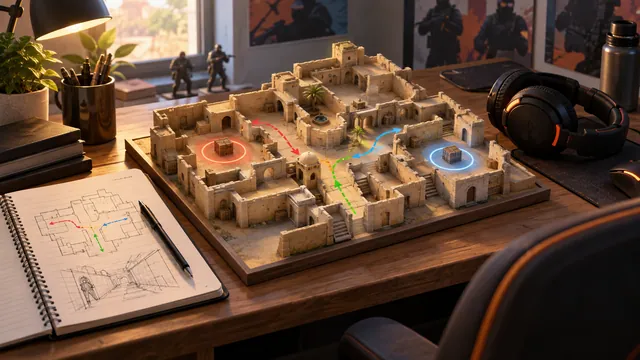
The best CS2 maps for beginners are Mirage and Dust II. Compare 5 Active Duty maps by first lesson and trap, then learn 6 callouts on a short map walk.
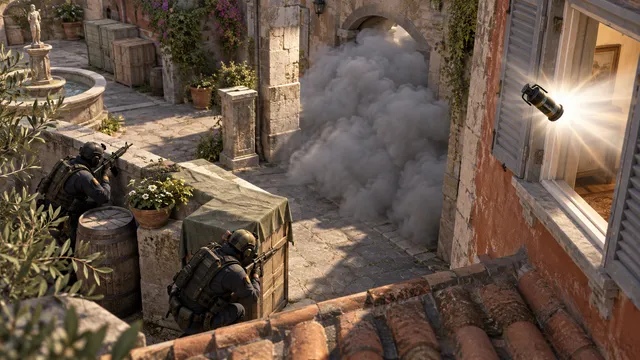
CS2 grenades for beginners: what smokes, flashes, HE, molotovs and decoys do, how to test a throw 5 times in Practice, and 2 coordinated plays to learn.
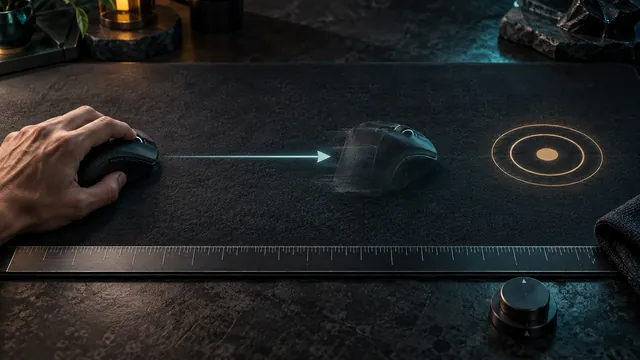
Convert CS2 sensitivity between DPI values (800 × 1.2 equals 1,600 × 0.6), measure your turn distance and test polling rates from 125 to 4,000 Hz.
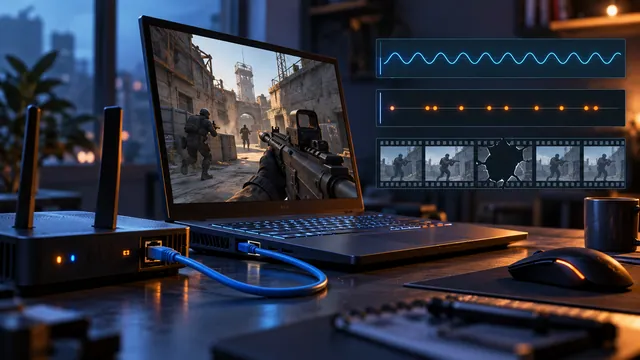
Fix CS2 lag: read ping, tick misses and frame time in Valve's telemetry HUD, compare Wi-Fi with Ethernet, ping your gateway 60 times, then try buffering.
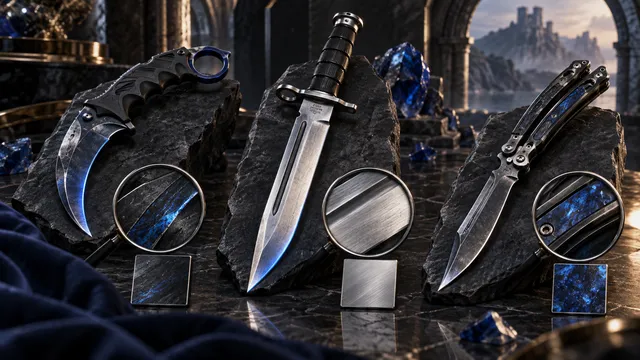
Compare the 20 CS2 knife models in our catalog, from Karambit and M9 Bayonet to Butterfly and Kukri, by look, cases and finish before you buy.
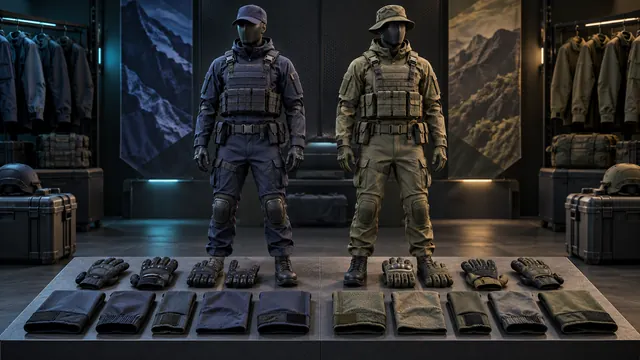
Our catalog lists 63 CS2 agents, 34 for T and 29 for CT. Check the side, sleeves, voice and patches, then the resale math before you buy one.
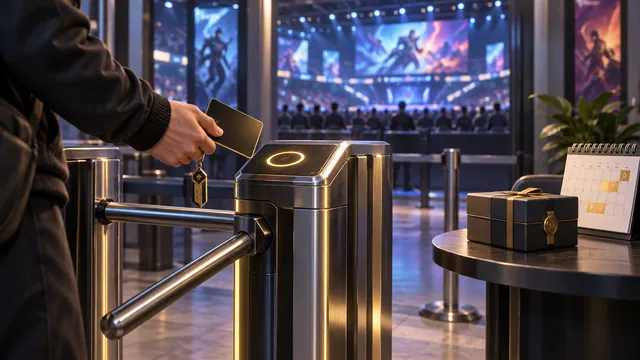
Is CS2 Prime worth it? It unlocks Premier (plus profile level 10), XP, Skill Groups, CS Rating, weekly care packages and Prime-only matchmaking.
A VAC ban on any game blocks CS2 trading for good. Trade Protection lasts 7 days; reversing trades adds a 30-day cooldown. Tell the restrictions apart.
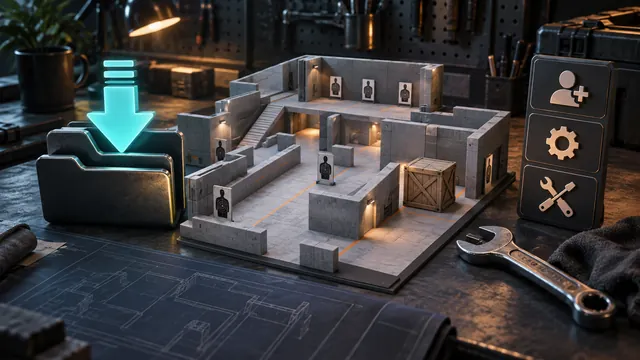
Install CS2 Workshop maps in 4 steps: subscribe, let Steam download, open the Workshop Maps tab and launch. Then fix 5 common problems or invite friends.
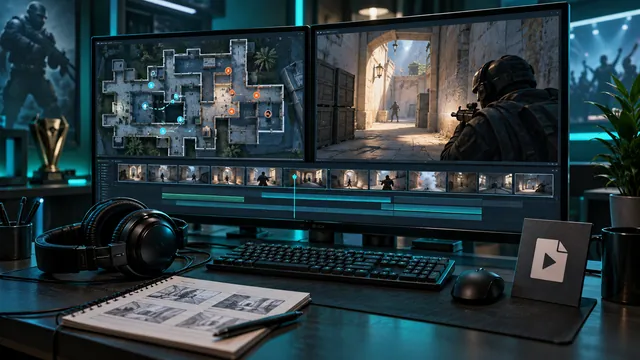
Watch CS2 demos in-game or with playdemo, use TrueView and highlight mode, and export an MP4 clip with Steam Game Recording in 5 steps.
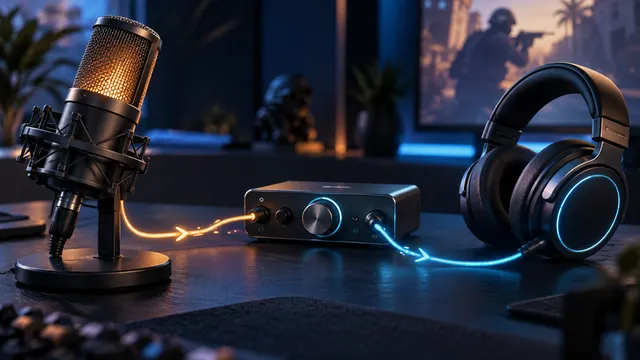
Fix CS2 voice chat in 4 stages: test the mic in Windows, check the game's voice key, confirm one listener hears you, then tune audio at a safe level.
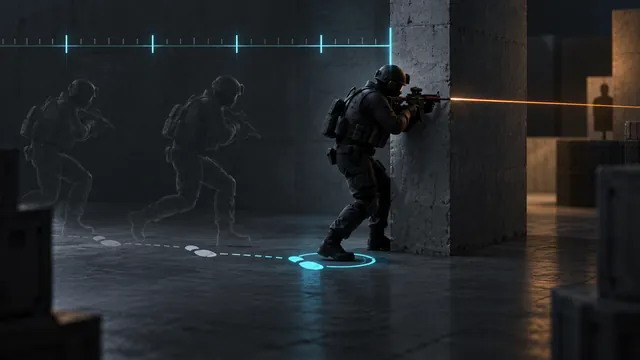
What CS2 subtick does, per Valve: exact timing for moves, shots and grenade throws. Plus a 4-step stop drill, 4 peek types and network readouts.
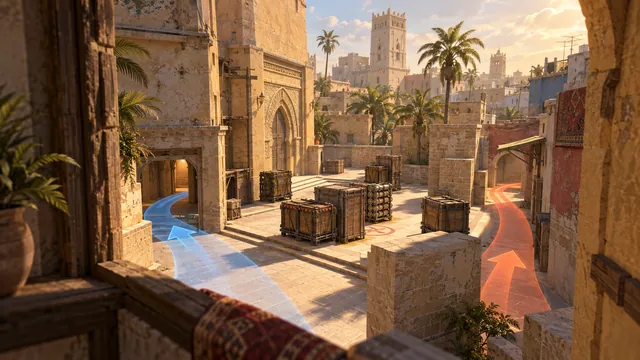
Mirage callouts for A, mid and B, a 5-player T default, CT roles, 2 worked site hits and rotation calls, with Valve's official map guide as a backup.
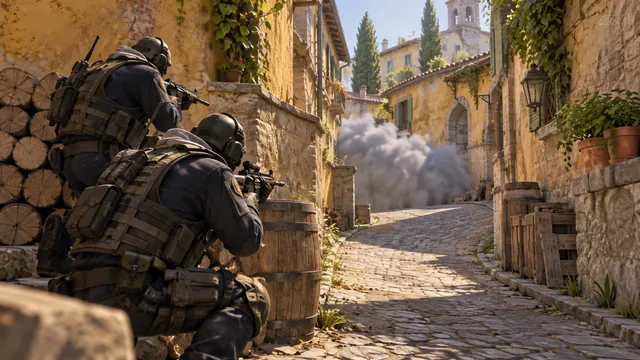
Inferno banana control in CS2: CT delays with fire and smoke, a 5-step T take, when to commit to B and how 2 players cover banana after the plant.

Nuke basics for CS2: callouts for upper A, lower B and outside, 3 T routes to learn first, CT handoffs between layers and a round you can reason through.

Overpass basics for CS2: A, B and connector callouts, T route control, CT fallbacks, rotation evidence and its July 2026 exit from Active Duty.
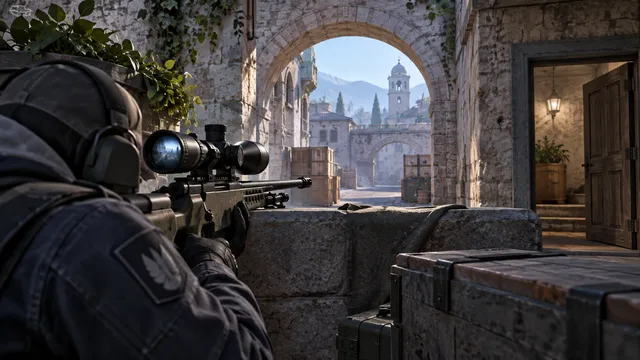
CS2 AWP basics: 3 questions before you buy, chest-height pre-aim, what silent unscoping changed in 2026 and a 10-repetition hold-and-retreat drill.
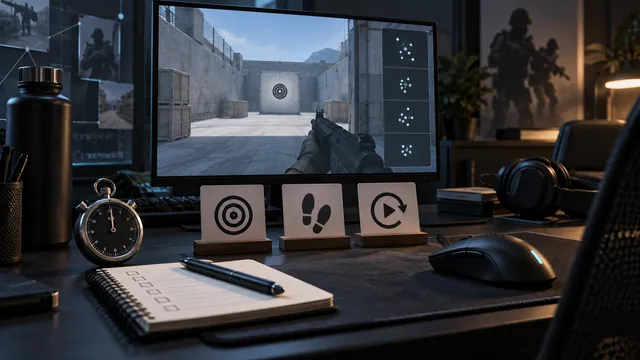
A CS2 practice routine that works: a 20-minute drill session, a warmup-plus-match plan and a weekly check of one error taken from your demos.
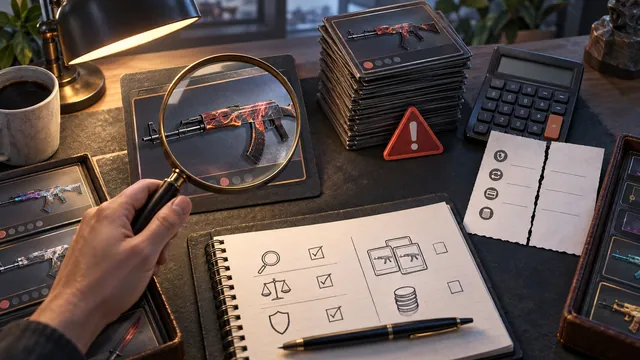
A 10% price rise can still lose money after fees, and one $25 sale can’t value ten skins. Five beginner CS2 investing mistakes and how to check each.

Plan a CS2 skin investment: write a one-page memo, size it from a loss you can absorb and price the exit. Ten $20 skins need $21.96 each to break even.
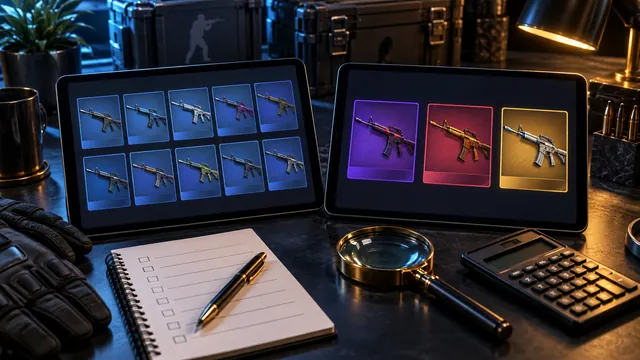
What a good CS2 trade-up site shows: odds for every result, output float from real input floats, prices from up to 8 marketplaces and EV vs input cost.

On 10 October 2026 a Fracture Case plus key cost $2.84 for an expected $0.78 back: ROI −73%. How CS2 case expected value, ROI and the published odds work.
Who runs Skinport, Tradeit, Waxpeer and DMarket, how your skins move and when you can withdraw, from their own terms, plus Steam’s 7-day trade rule.
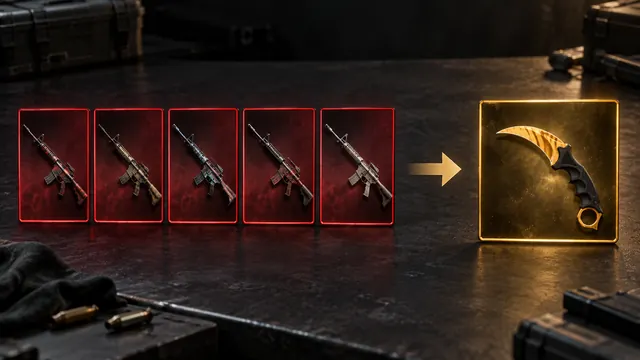
Yes. Since Valve’s 22 October 2025 update, 5 Covert skins trade up into a knife or gloves, and 5 StatTrak™ Covert skins return a StatTrak™ knife.
Compare CS2 skin prices: match the exact item, check up to 9 marketplaces and count fees. A 10% price gap can shrink to $1.20 after an 8% selling fee.
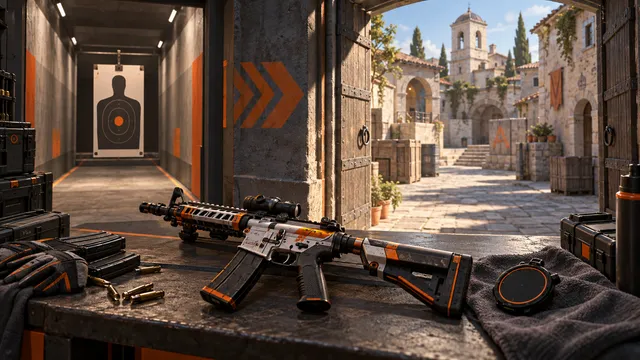
The best CS2 training maps by task: Aim Botz for aim, Recoil Master for spray control and Mirage Prefire's 240 bot spots for routes, plus a 20-shot drill.