
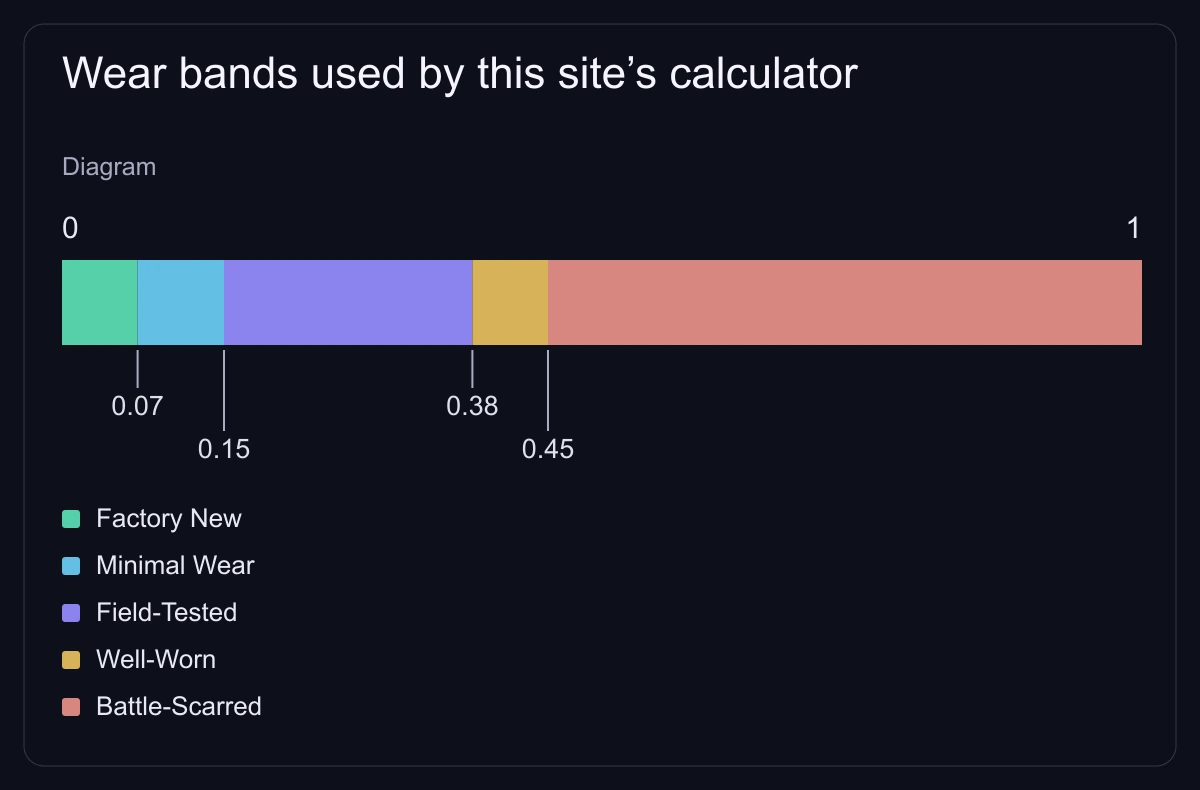
A CS2 skin’s float is its wear value between 0 and 1: the lower the float, the less worn the skin looks. The wear name groups floats into five ranges, from Factory New (0.00–0.07) to Battle-Scarred (0.44–1.00) in Valve’s finishes guide. Each finish also has its own float range, so some skins can never be Factory New.
CS2 wear ranges
| Wear | Float range |
|---|---|
| Factory New (FN) | 0.00–0.07 |
| Minimal Wear (MW) | 0.07–0.15 |
| Field-Tested (FT) | 0.15–0.37 |
| Well-Worn (WW) | 0.37–0.44 |
| Battle-Scarred (BS) | 0.44–1.00 |
The ranges come from Valve’s Weapon Finishes Guide. The boundaries our tools use are listed in the methodology.
Why some skins can’t be Factory New
Every finish has a float range. When the skin is created, the game picks a random float inside that range. Valve’s guide notes that many finishes ship from 0.00 to 0.60, but a finish’s range can be narrower.
- A finish whose range starts above 0.07 has no Factory New copies.
- A finish whose range ends below 0.44 has no Battle-Scarred copies.
- A finish limited to 0.00–0.08 exists only as Factory New and Minimal Wear.
Each skin page in the skins database shows the finish’s float range and the wears it exists in. The range belongs to the finish; the float belongs to one copy. A listing at 0.12 is one item, not a finish that starts at 0.12.
Same float, different look
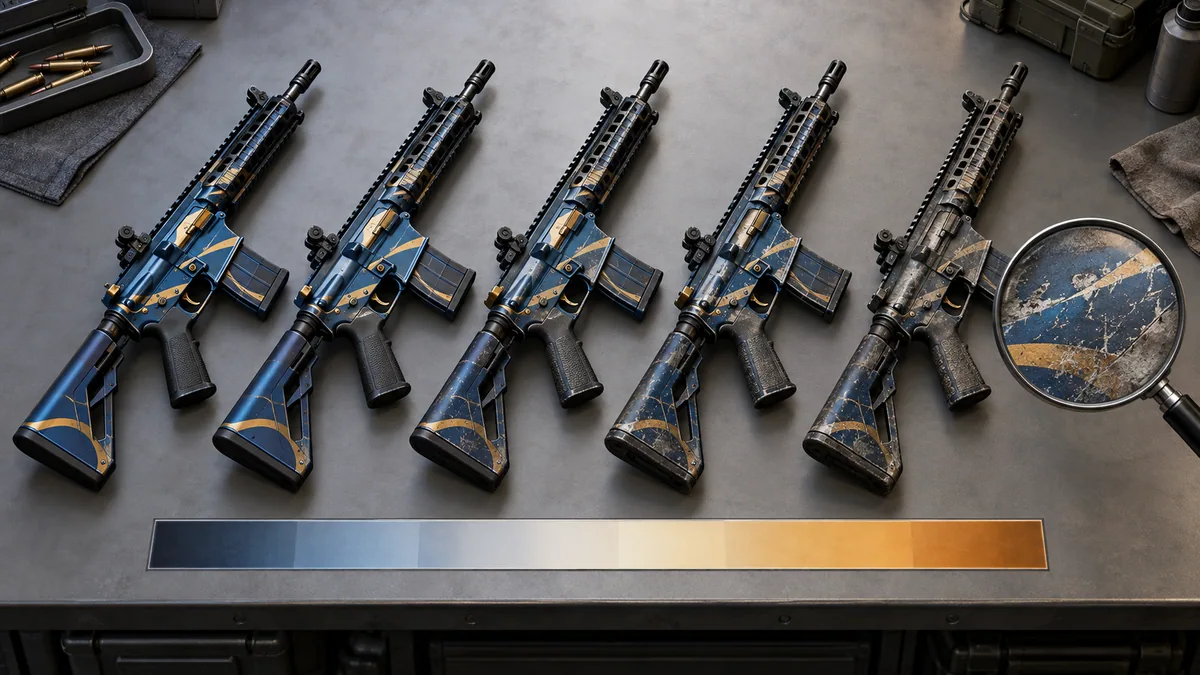
Valve places the grime and scratch textures randomly, so every copy wears differently even at the same float. Two Field-Tested skins at 0.20 can show scratches in different places. Inspect the exact item you are buying; a screenshot of another copy shows nothing about yours.
How to check a skin’s float before you buy
- Match the full name: weapon, finish, wear and normal, StatTrak™ or Souvenir.
- Open the listing’s inspect link and look at that exact item. Marketplaces that list floats show the value next to the item.
- Compare it with other copies of the same wear on the same marketplace. Keep stickers and rare patterns out of the float comparison.
- Compare the total cost and what you would get back after fees. The wear price comparison shows how much each wear costs, and the price comparison guide covers fees.
When a low float is worth paying for
A low float is worth extra in three cases: you want the cleanest look of a skin you will use, you collect very low (or very high) floats of one skin, or you need low-float inputs for a trade-up. Judge the premium by recent sales, not by asking prices.
Example: a skin costs $20 and a low-float copy costs $25. If you sell later on a marketplace with a 10% fee, the buyer has to pay at least $27.78 for you to get your $25 back ($25 ÷ 0.9).
Float in trade-up contracts
A trade-up’s result float depends on the input floats and the float range of the result. Our calculator places each input inside its own range, averages those positions and maps the average into the range of every possible result. The methodology has the formula.
Example: five inputs at 0.02 in a 0.00–1.00 range sit at position 0.02. Five inputs at 0.12 in a 0.10–0.20 range sit at position 0.20. The average position is 0.11, so a result with a 0.00–0.80 range gets a float of 0.11 × 0.80 = 0.088, which is Minimal Wear. A plain average of the floats (0.07) would wrongly suggest Factory New.
| Inputs | Position in range | Sum |
|---|---|---|
| Five at 0.02, range 0.00–1.00 | (0.02 − 0.00) ÷ 1.00 = 0.02 | 5 × 0.02 = 0.10 |
| Five at 0.12, range 0.10–0.20 | (0.12 − 0.10) ÷ 0.10 = 0.20 | 5 × 0.20 = 1.00 |
Try your own inputs in the trade-up calculator: each slot shows the skin’s float range and takes the exact float. The trade-up guide covers the contract rules and odds.