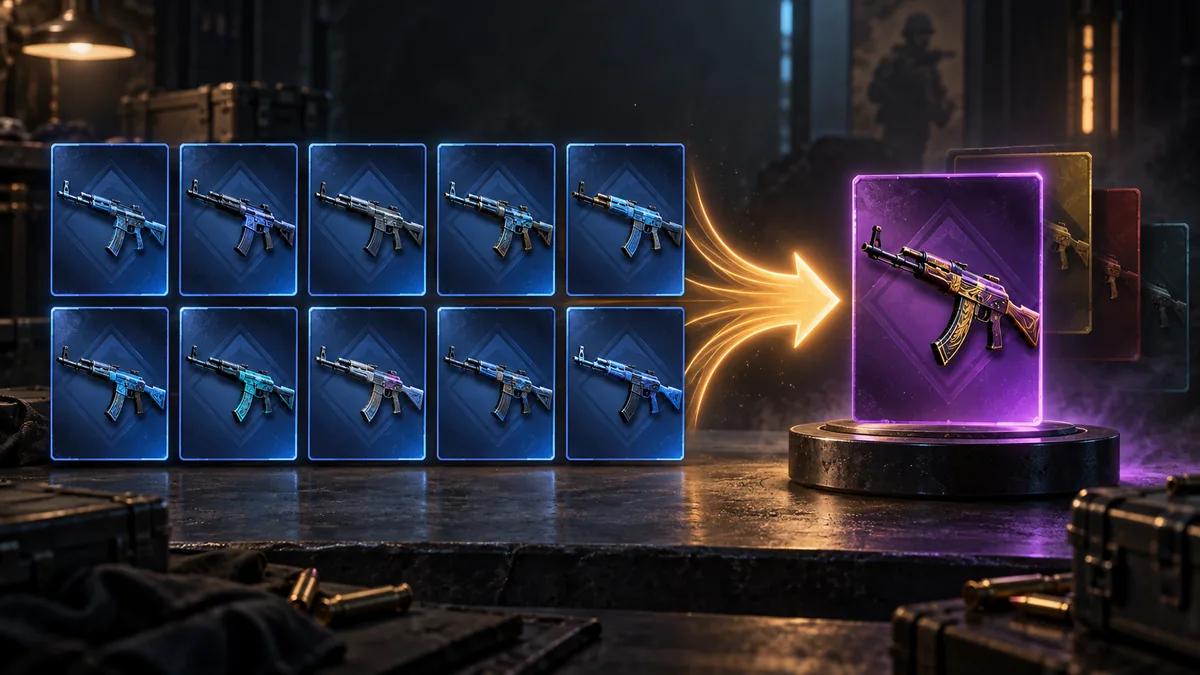
Filter more than 8,000 trade-up contracts by input rarity, budget, collection and StatTrak™, or press Generate for a random one. Each card shows ten identical inputs and every skin they can return, the EV and chance of profit after the sale fee, the input float to buy at, and a button that opens the same contract in the calculator.
8,505 priced contracts from 86 collections · prices as of 26 October 2026
Inputs are priced at the cheapest Battle-Scarred listing; the results are worked out at float 0.7499, the top of Battle-Scarred. A lower input float can move a result to a better wear: see the float steps under each result.
All figures are after the 2% CSFloat fee; profit is the EV after the fee minus the input cost. The list hides contracts whose inputs cost under $1.00 and those with thin price data unless you change that above. Pick a contract to open it above.
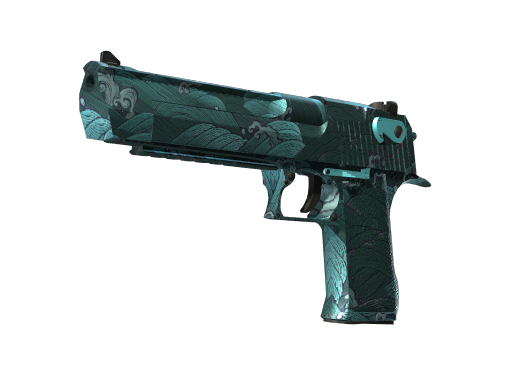
10 copies of Desert Eagle | Tilted (Field-Tested) at float 0.265 from The Overpass 2024 Collection return one of 4 next-rarity skins. Our calculator gives each a 25% chance; the result's float is 0.177–0.353, depending on the skin.
Skin
Float
Chance
Price
10 × Desert Eagle | Tilted (Field-Tested)
0.265
—
$1.10 (10 × $0.11)
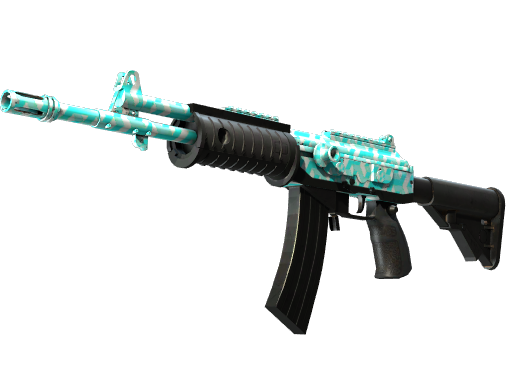
Galil AR | Metallic Squeezer (Field-Tested)
0.212
25%
$0.14
Glock-18 | Teal Graf (Field-Tested)
0.177
25%
$0.14
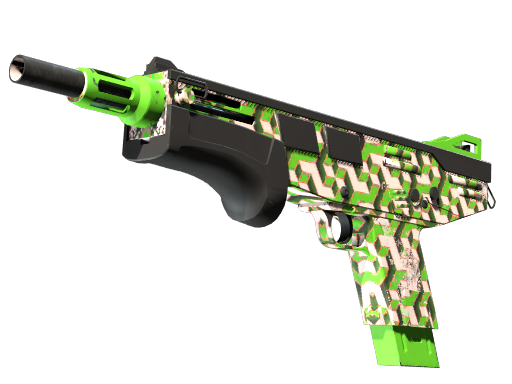
MAC-10 | Pipsqueak (Field-Tested)
0.318
25%
$0.19
Nova | Wurst Hölle (Field-Tested)
0.353
25%
$0.19
The inputs cost $1.10 and the expected value of the result is $0.17 (−$0.93 before fees).
Prices as of 26 October 2026.
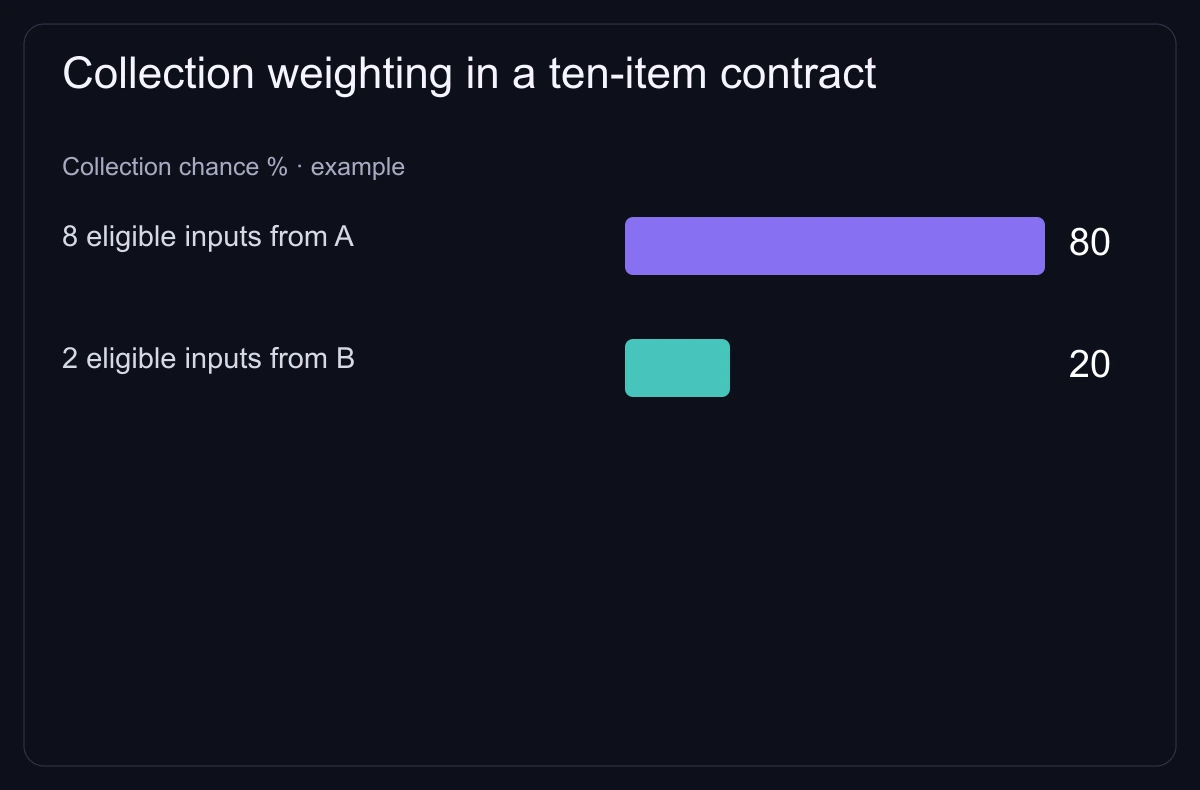
Ordinary contracts consume ten compatible inputs and return one random output.Ten-input contract: our calculator gives eight inputs from collection A and two from B weights of 80% and 20%, then splits each weight between that collection’s possible results.
How to use the trade up finder
Set the filters: input rarity, the most you want to spend, the lowest return, a collection, StatTrak™ and the market you will sell on.
Press Generate new contract for a random contract that matches, or pick one from Top contracts now.
Buy the inputs at or below the float the card shows. The float steps under each result show where a lower input float gives a better wear.
Press Open in calculator to load the ten inputs, then set the floats of the listings you plan to buy and check the worst case.
How the finder prices a contract
Input cost is the lowest price of the input skin in its wear across the marketplaces we track except Tradeit, times ten. All ten inputs come from one collection, so every result has the same chance.
The results are worked out at the highest float of the input wear, which is where the cheapest inputs are. Under each result the card lists the lower input floats at which it moves to a better wear, with that wear’s price.
Expected value (EV) is the average price of the results. The finder takes the sale fee of the market you pick off every result (CSFloat’s 2% by default; Steam takes 13.5%); the return divides that EV by the input cost, so ×1.10 means the average result is worth 10% more than the inputs after the fee.
Example: ten $2 inputs with two possible results
Line
Calculation
Result
Input cost
10 × $2.00
$20.00
Result A (50%)
sells for $30.00
+$10.00
Result B (50%)
sells for $14.00
−$6.00
Expected value
($30 + $14) ÷ 2
$22.00 (×1.10)
After a 2% marketplace fee
$22.00 × 0.98
$21.56 (×1.08)
After the 13.5% Steam fee
$22.00 × 0.865
$19.03 (×0.95)
A contract returns one result. Here the EV stays positive after a 2% fee but turns negative after Steam’s 13.5%, and result B loses money either way.
Quick answers
Are these trade ups profitable?
Some show a positive expected value after the sale fee at our prices (tick Only profitable after fee to list them), but each contract returns a single result. Check the worst case: it shows how much you can lose.
How many skins does a trade up need?
Ten skins of the same rarity for a regular contract, or five Covert skins for a knife or gloves.
Where do the prices come from?
From Steam, Buff163, Skinport, DMarket and the other marketplaces we track. Prices update automatically and can change — check the final price on the marketplace.
Can I see the same contract in the calculator?
Yes. Press Open in calculator: it fills the ten inputs at the float the card uses, so the calculator shows the same results. Then change the floats to those of the listings you plan to buy.