
A good CS2 trade-up site does four things: it shows the chance of every possible result, predicts the output float from your inputs’ real floats, prices every result from marketplace data, and compares the expected value with what the inputs cost. TradeUp Academy’s tools do all four for free, with no login and no access to your Steam account.
Which tool for which question
| Question | Tool | What you get |
|---|---|---|
| Will my contract pay off? | Trade up calculator | Every result with its chance, output float and price, and the contract’s expected value |
| Which contract should I try? | Trade-up finder | Ready ten-skin contracts from one collection, with input floats inside the input wear and a price for every result |
| Can five Covert skins give a knife? | Knife trade-up calculator | The five-Covert rule and the calculator set up for Covert inputs |
| What do the inputs cost? | Price table | The same skin on up to nine marketplaces |
FIG. 1
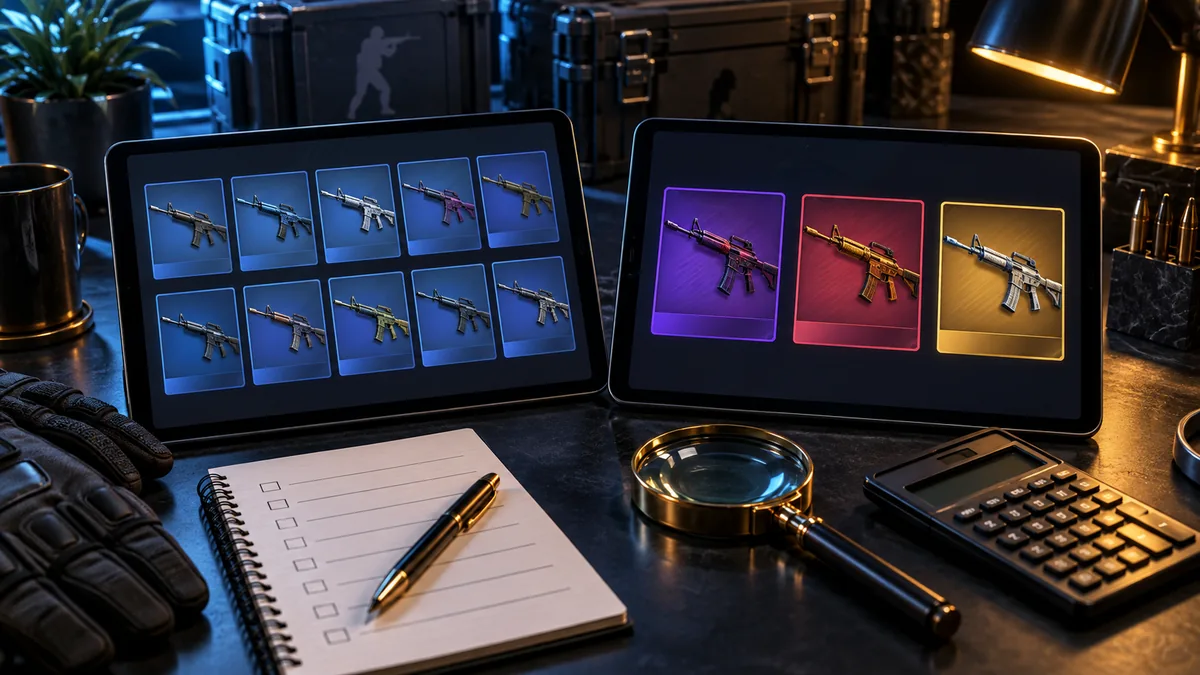
What to check in any trade-up tool
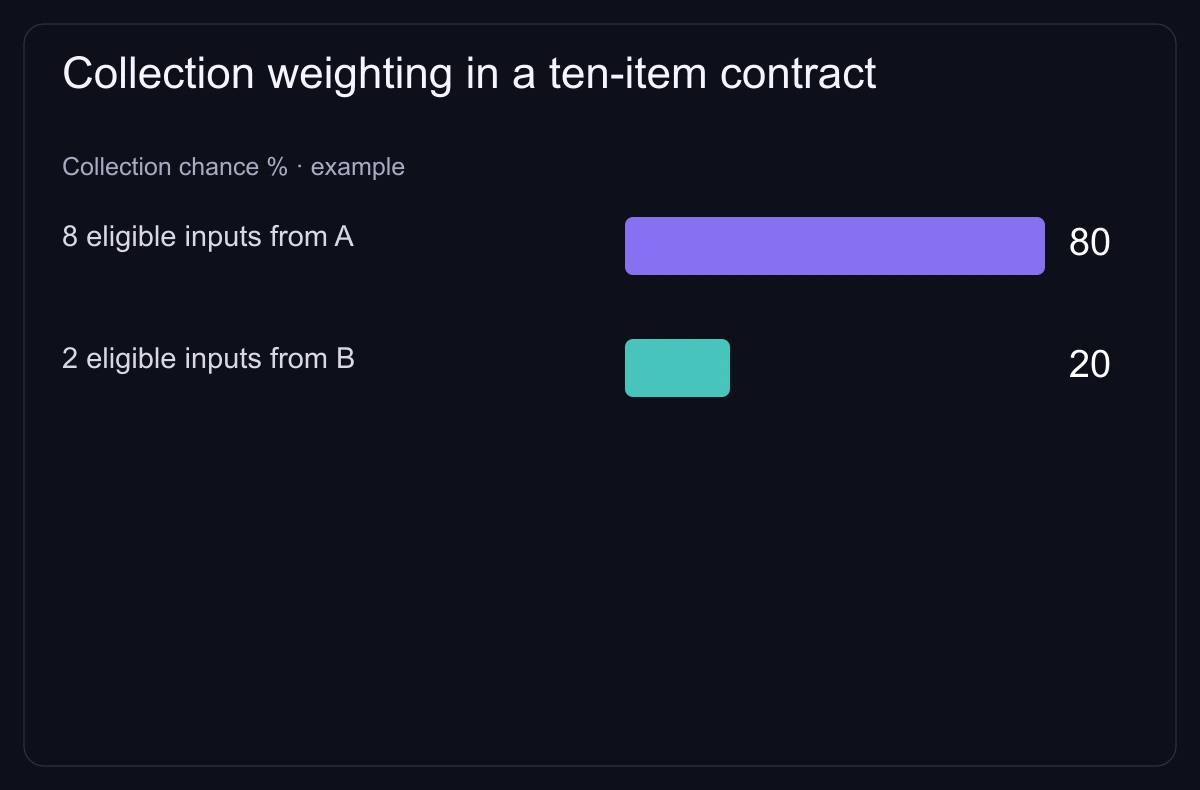
- Odds. Test a mixed contract: seven inputs from collection A, which has two possible results, and three from collection B, which has three. Our calculator gives A’s results 35% each ((7 ÷ 10) ÷ 2) and B’s 10% each ((3 ÷ 10) ÷ 3). A tool that shows 20% for all five works from a different model. Ours is described in the methodology.
- Output float. Ten inputs at 0.12 in a 0.10–0.20 range sit at position 0.20 of their range, so a result with a 0.00–0.80 range gets 0.16. A tool that multiplies the raw 0.12 by 0.80 predicts 0.096 instead, which can change the wear and the price. The float guide walks through it.
- Prices. The tool should show which marketplace each price comes from and mark a missing price as missing, not as $0.
- Fees. Find out whether expected value is before or after selling fees; ours is before. Example: inputs cost $20 and the two results, at 50% each, sell for $30 and $14. Expected value is $22, which looks like 1.1×. After a 10% fee it is $19.80, a $0.20 loss, and the $14 result loses $7.40.
- Your account. Planning a contract never needs your Steam password, a login or your items.
FIG. 2
Five-Covert knife contracts
Valve’s 22 October 2025 update added contracts that turn five Covert skins into a knife or gloves. Our calculator switches to five slots when you add Covert inputs; how it weights knife and glove finishes is in the methodology. The full rule is in can you trade up to a knife.
Before you run the contract in CS2
- Read the trade-up rules and check each input in your CS2 inventory: Valve’s Trade Up Contract article says eligible weapons show “Use With Trade Up Contract”.
- Fill every slot with the real floats of the items you will use.
- Put a realistic sale price on every result, not just the one you want.
- Compare expected value after fees with the input cost and look at the worst result; the trade-up profit check shows how.