
Our catalog lists 20 CS2 knife models. Pick the model for the shape and animations you enjoy, then pick a finish you have inspected and can afford. A cheaper model in a finish you love can be a better play item than an expensive model bought for its name.
What you pay for is the look, the animations, the item’s attributes and how easily you can resell it. Browse every model and finish in our knife list before you narrow it down.
Start with a model shortlist
| Model | Why look at it | Cases that drop it (our catalog) | Check before buying |
|---|---|---|---|
| Karambit | Curved blade and finger-ring inspect | 16, from the CS:GO Weapon Case to Gamma 2 | Play-side blade face and corner wear |
| M9 Bayonet | Large blade that shows off the finish | The same 16 cases as the Karambit | How much of the screen it covers |
| Butterfly Knife | Folding handle and flip animations | 5: Breakout, Spectrum, Spectrum 2, Riptide, Dreams & Nightmares | Whether you still enjoy the flips after a week |
| Kukri Knife | Heavy, forward-curved blade | 2: Kilowatt and Gallery | Which of its finishes you actually like |
| Bayonet, Flip, Gut, Huntsman, Talon and others | Different silhouettes and draw animations | From 1 to 16, depending on the model | The finish you can afford, not a price tier |
The case list matters if you plan a knife trade-up. Since Valve’s 22 October 2025 update, five Covert skins return a knife or gloves from the collection of one of the inputs, so the result is random within that pool. Read how knife trade-ups work before you compare a contract with buying.
Inspect with your own settings: left or right hand, sleeves and gloves. A highlight clip can oversell a rare animation, so judge the normal draw and idle views too.
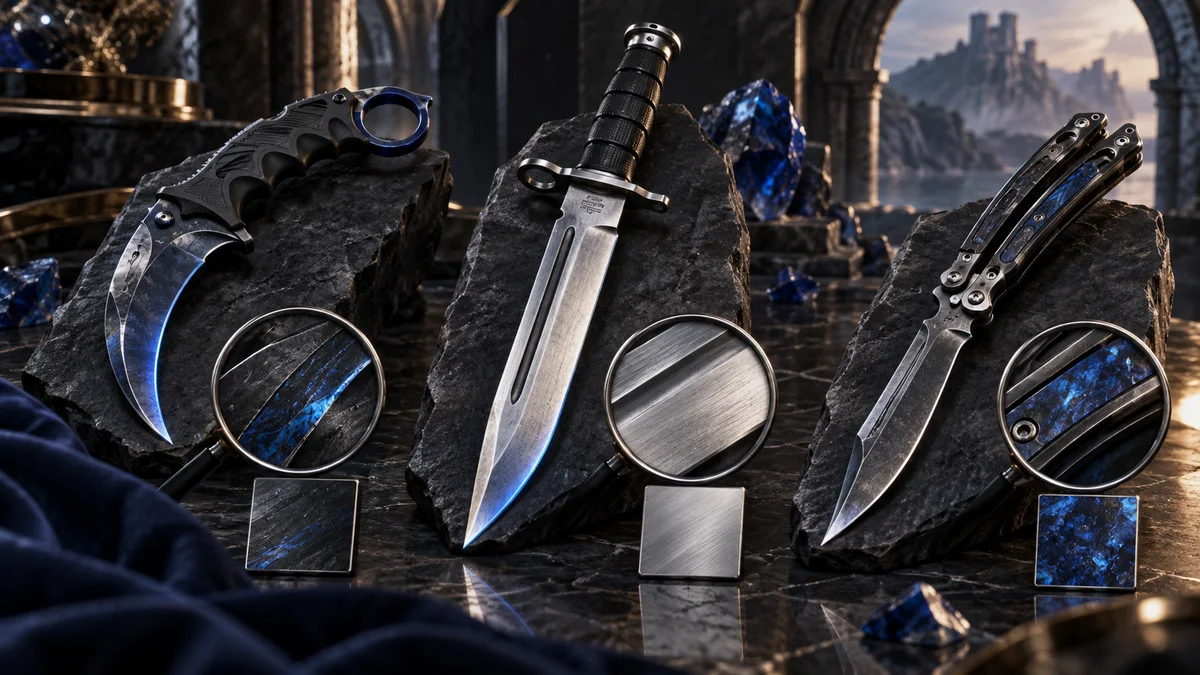
Each finish needs its own check
Doppler and Gamma Doppler: identify the phase. One market name covers several phases at different prices, so compare them in Doppler prices by phase. A Ruby, Sapphire or Emerald claim needs the actual item, not a coloured thumbnail.
Fade: look at the colour spread and ask how the seller measures the fade percentage. Our Fade calculator turns a seed into a fade percentage. Marble Fade: check the model’s own list in Marble Fade patterns; a “Fire & Ice” label doesn’t fit every model or every red-and-blue screenshot.
Case Hardened: look the seed up in Blue Gem patterns and read the Blue Gem guide.
Every finish still needs a wear check. Some have narrow float ranges, such as Karambit | Fade at 0.00–0.08 in our catalog, but two copies in that range still differ. Valve’s Weapon Finishes Guide explains why pattern and wear vary between copies, and the float guide covers wear ranges.
Compare the total cost with the likely exit
Example: two knives you like cost $300 and $360. You expect to sell them later for $285 and $355 with a 5% fee. You’d receive $270.75 and $337.25, so the resale cost is $29.25 for the cheaper knife and $22.75 for the dearer one.
The useful part is the question, not the forecast: is your exit price backed by sales of the same item, or only by the next seller’s ask? If you might need to sell quickly, check buy orders and how often that exact finish sells. A “popular knife” label doesn’t promise a one-day sale.
Check the item before you pay
- Match model, finish, wear and normal or StatTrak™ status.
- Inspect the listed item and note float, seed and phase where they matter.
- Compare the same item across marketplaces in the price table, keeping Steam Wallet and cash prices apart.
- Read the checkout total, trade restrictions and payout route. Save the details of the listing you inspected.
- If delivery uses a Steam trade, follow the trade confirmation steps.