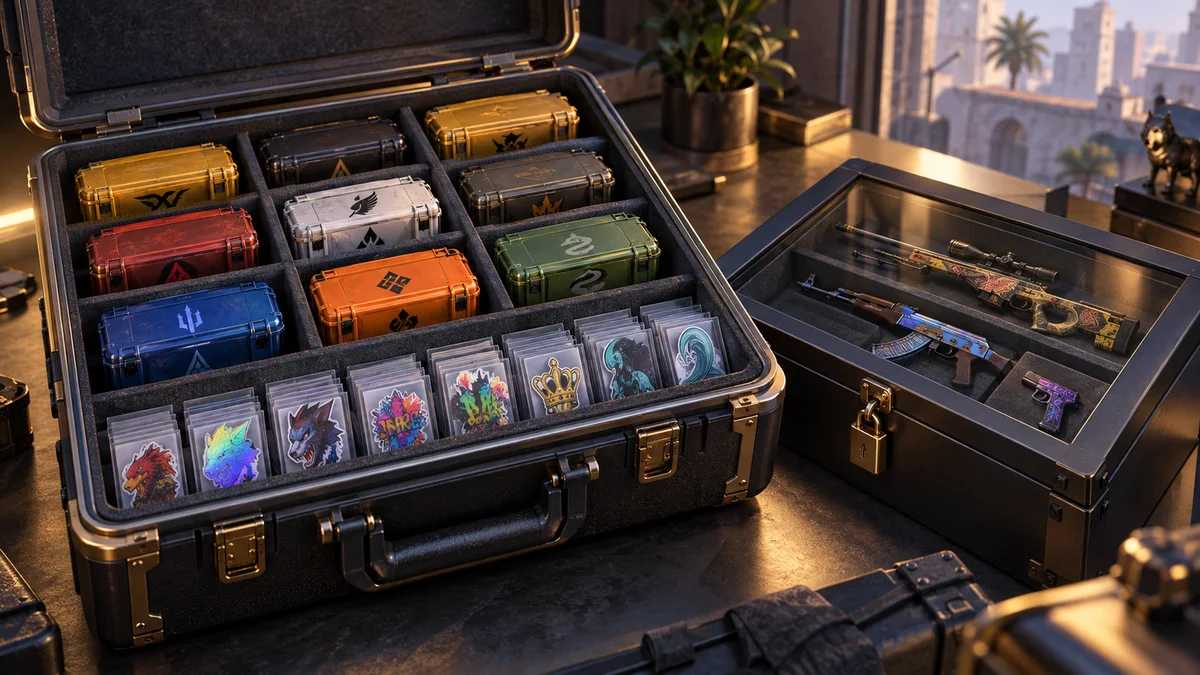
A Storage Unit is an inventory organizer inside CS2. Steam’s Storage Unit FAQ gives a capacity of 1,000 additional eligible items per unit. The unit is not a market listing, a bank account or a way around a trade timer.
Deposit and retrieve in the client
Use an eligible item’s “Move to Storage Unit” action, or open the unit’s “Deposit Items” action and select the items. To take them out, choose “Retrieve Items” or inspect the unit and retrieve selected items. Search the inventory afterwards if necessary: Steam says retrieved items return to their original positions rather than necessarily appearing at the top.
The help page excludes default weapons, agents, gloves and music kits from storage. It also explains that items inside a unit cannot be equipped, consumed, traded, marketed, renamed or altered. Trade-protected items cannot be deposited during their protection period. Check the exact item in the client instead of assuming every item category is supported.
Organization does not change ownership rules
Items inside a unit do not show in the Steam Community inventory until you retrieve them. That is a visibility change, not account-security protection. An account compromise is not solved by moving valuables into a unit.
In a practical example, naming a unit “Cases to review” separates a long-term holding from playing skins. Retrieving a case makes it accessible again but does not cancel any existing restriction. Use the trade restriction definition to distinguish availability in inventory from eligibility to transfer.