
To install a CS2 Workshop map, open its Steam Workshop page, click Subscribe, let Steam finish the download, then open the Workshop Maps tab in CS2's Play menu and launch it. Valve has described this route since the Maps Workshop opened on 2 November 2023 (The Maps Workshop). A subscription only requests the download; the map is ready when it loads and its features work.
Install one map from its creator's page
- Find the exact item and creator. A title that looks like a famous map is not enough; check that the page belongs to Counter-Strike 2 and read the description.
- Subscribe while signed in to the Steam account you play CS2 on.
- Watch Steam's Downloads page until the item finishes. If the game list has not refreshed, restart CS2.
- Open Play → Workshop Maps, select the map and use the mode its creator names.
- Load it and test one feature, such as spawning bots, before you build a routine around it.
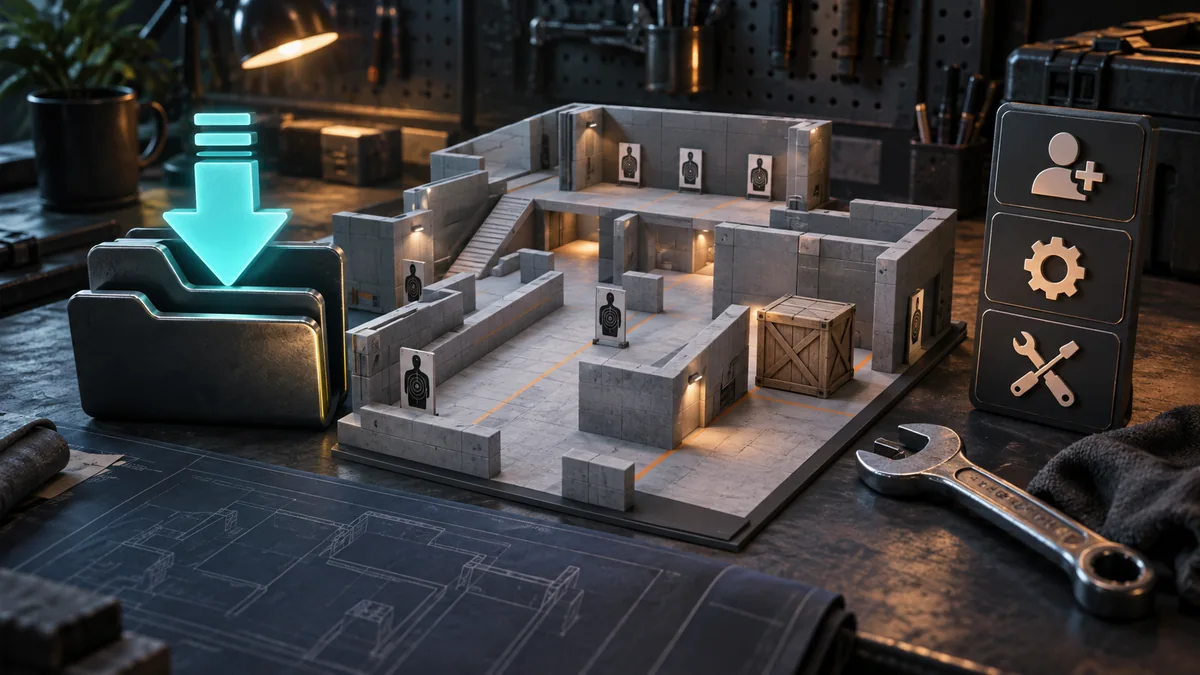
Since 5 October 2026 the Play menu also has buttons to manage the Workshop maps you have downloaded (Valve notes).
Use the symptom to choose a fix
| Symptom | First check | Next action |
|---|---|---|
| Not in the game list | Right account, active subscription, Steam download status | Let the download finish and restart CS2. |
| Download stopped | Steam's error message and free space on the library drive | Fix that download error instead of copying map files by hand. |
| Map loads, but menus or bots fail | Creator notes, supported mode and recent comments | Follow the creator's instructions or switch to another drill. |
| Only this map crashes | Whether another map loads normally | Treat it as a problem with this map. |
| Many maps and normal matches fail | Game update and file integrity | Run Steam's game file integrity check. |
Unsubscribe and subscribe again only after these checks, when you need Steam to fetch one item again. Do not delete the whole Workshop folder as a first fix. Steam libraries can sit on different drives, so someone else's install path rarely helps.
Playing a Workshop map with friends
Turn on Open Party in the Workshop Maps tab before you start the map. CS2 then hosts the game on your machine, and friends can join you from their Friends list (Guns, Guides, and Games, 18 March 2026). Some creator modes have their own multiplayer rules, so read the map page first.
A small setup that still works when one map breaks
Keep one aim range, one recoil drill and one route on your main map. The training map selection links the creator pages. Your backup is the built-in Practice mode: walk angles, stop before shooting a wall and repeat a useful grenade.
For a learning session, spend five minutes on one repeated error, then five minutes testing it in deathmatch or a map scenario. Do not switch on every training option just because the menu has it.
A good install ends with a playable drill, not a long subscription list. Note the item ID and mode so you can find the map again, and tie the drill to a practice goal.