
Subtick means the server knows the exact instant you start moving, fire or throw a grenade, instead of only evaluating the world at fixed ticks. Valve says this makes moving and shooting equally responsive regardless of tick rate and makes grenades land the same way every time (CS2 overview). It does not remove ping, so you still need to stop before you shoot and choose your peeks well.
What Valve's explanation covers
Valve describes subtick for three actions: movement starting, shots and grenade throws. Since 21 January 2026 jump landing time is also calculated with subtick precision (Valve notes).
Separate input timing, your frame rate, network travel and server processing. A hitch offline points to local performance; rubber-banding and loss warnings online point to the network. Dying after your screen showed cover is a symptom, not a diagnosis.
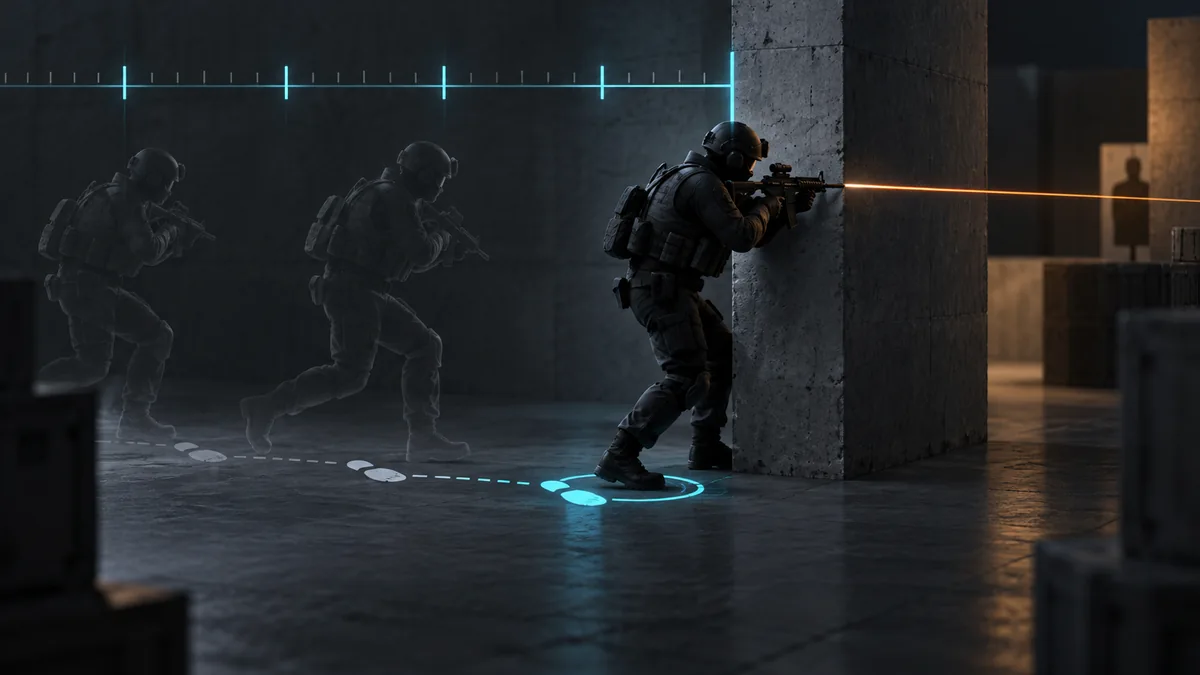
Start with a stop you can repeat
- In Practice, aim a rifle at one mark on a wall. Fire a standing reference shot and let accuracy recover.
- Strafe sideways, release the key, stop and fire. Repeat slowly.
- Compare groups with the same weapon, distance and stance. Speed up only when post-stop shots match the standing reference.
Do the counter-strafe with your own fingers. Since 19 August 2024, Valve detects certain movement and shooting automation, such as hardware-assisted counter-strafing, on official servers and kicks you from the match (Valve notes). The dynamic crosshair styles show your real inaccuracy, but the wall group is the real check.
Pick the exposure for the information you have
- Shoulder or small jiggle: bait a shot or learn whether an angle is held. Repeating the same timing invites a prefire.
- Angle-by-angle clear: expose one likely position at a time when you do not know the setup, with your crosshair already placed.
- Wide swing: fight a known holder or finish a fast trade. Check what extra angles the wide movement opens.
- Peek with utility: use it when an opponent already knows your position or an AWP holds the route.
A two-player exercise
Pick one corner. The defender holds a standard spot, then an offset one. The attacker practices a careful clear and a wide swing, each with a full stop before firing. Change one thing at a time and note which angles open and where a trade partner would need to stand.
Use a demo for decisions, network readouts for symptoms
In a demo, check whether you re-peeked a known AWP, exposed yourself to two positions or shot before stopping. Since November 2025 TrueView playback reconstructs the player's view much more closely than before, so these questions are easier to answer.
For repeated online symptoms, use the network readout in the telemetry HUD. Since 12 November 2024 it measures how often a tick is missed because of packet loss or jitter, and a detailed option shows the raw loss and jitter numbers (Valve notes). Note the match region and those numbers, then follow the lag troubleshooting guide. Pair the reliable stop with recoil practice.